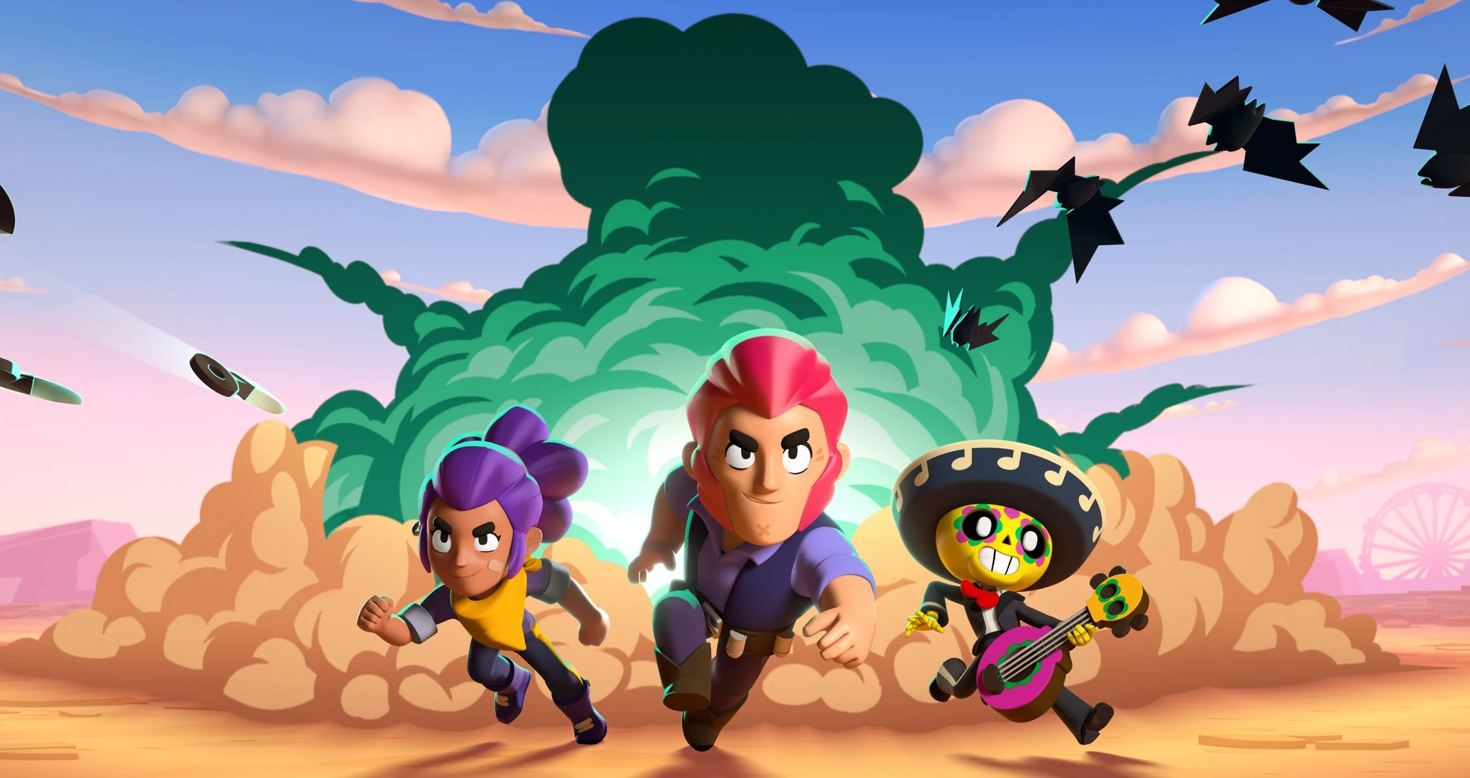

Do you want to play Brawl Stars on PC with a big screen, keyboard and mouse? You’re in the right place! This article will take you step by step to get Brawl Stars running on your computer using Android emulators. Most players love it because it offers great control and easier aiming than phones!
Why Play Brawl Stars on PC?
Playing on PC feels better because:
- You get a larger screen to see more action.
- A keyboard and mouse give better control and accuracy.
- Your PC doesn’t run out of battery like a phone.
To make all this happen, you’ll need one of the Android emulators that let you play Brawl Stars on PC just like on mobile.
What You Need First
Since Brawl Stars is made for Android and iOS, there’s no official Windows or macOS version yet. So to play Brawl Stars on PC:
- Pick a good emulator (software that runs Android on your computer).
- Install Brawl Stars inside that emulator.
- Adjust your controls and graphics to make the game smooth and fun.
Best Android Emulators to Use
Here are the top emulators that make it possible to play Brawl Stars on your PC:
- BlueStacks is user-friendly, so it’s a good all-rounder for most folks.
- NoxPlayer is surprisingly lightweight, and it’s great for anyone with an older or slower PC that can still handle things.
- LDPlayer handles fast-paced games like Brawl Stars no problem, and it’s great with shooters too.
Pick the one that suits your style, then head over to its official website to grab the download.
Step‑by‑Step: Install and Play
- Install the Emulator: Go to the official website for the emulator you chose and download it. Then follow the normal setup steps like installing any other software on your PC.
- Sign In to Google Play: Once the emulator is ready, open it and sign in with your Google account so you can access the Google Play Store.
- Download Brawl Stars: Now, go to the Google Play store, search for “Brawl Stars” and hit install. Wait till it downloads, then the icon for the game should pop up right inside your emulator.
Set Up Controls – Before jumping into battles, take a moment to map your keyboard and mouse:
- Use WASD or arrow keys for movement.
- Left mouse button for attack.
- Right mouse or keyboard buttons for supers or abilities. Good control makes it much easier to win fights!
Extra Tips for Better Play
Here are a few ways to improve your time when you play Brawl Stars on PC:
- Adjust Graphics: A higher frame rate makes the game smoother. If your PC runs slowly, try lowering some graphics settings inside the emulator.
- Keep the Internet Stable: Since Brawl Stars is multiplayer, good internet helps prevent lag and disconnections during battles on PC.
- Practice Controls: Take time to learn how your keyboard and mouse work with the game. Mastering keys will help you win more matches faster!
Important Note
Even though plenty of players play Brawl Stars on PC using emulators, Supercell still doesn’t consider it an officially sanctioned method. That means we won’t get the same level of support that Mobile players get. Most players won’t get booted out, but it’s always best to play on the level and avoid cheating.
Playing Brawl Stars on PC can be a blast and super rewarding. Once you’ve got everything up and running, you’ll be in for big battles, better accuracy and controls that are a whole lot more comfortable than jabbing at a tiny phone screen. Just dive in, give some of the different brawlers a try, build up your skills and don’t forget to have fun with your friends! Enjoy the Game!