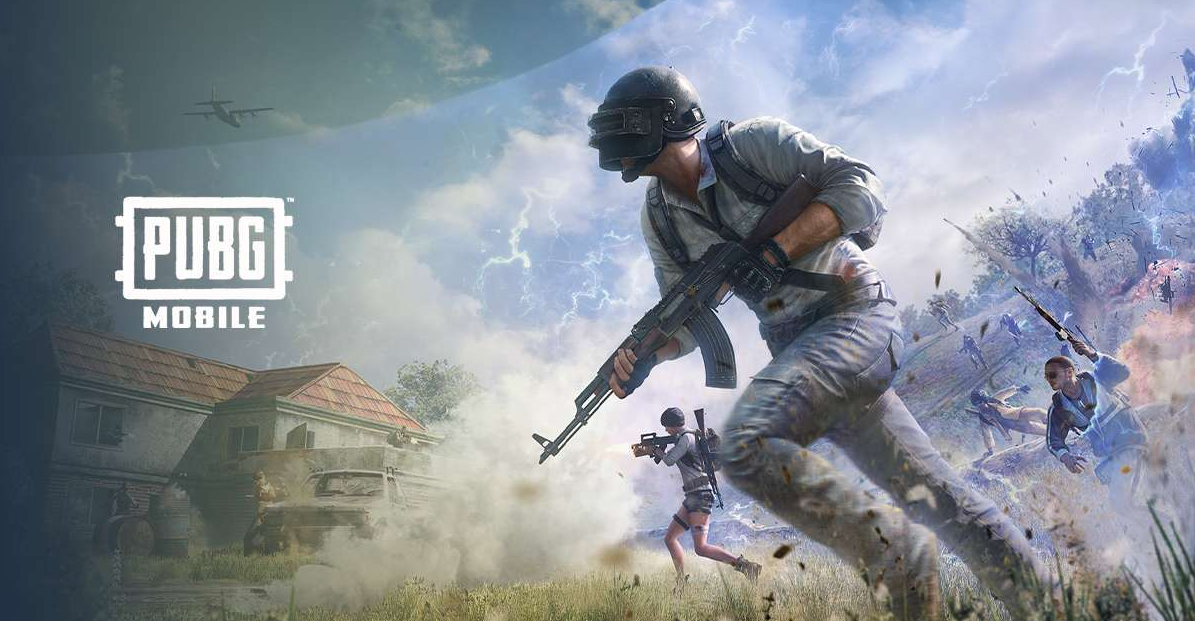

Revive teammates in PUBG Mobile
If you have a habit of playing the heck out of squad matches in PUBG Mobile, then learning how to revive your teammates is basically the most valuable skill you can pick up. A good revival just turned things around from a sure loss to a potentially game-changing moment.
It’s what keeps your team in the game – and gives you a fighting chance at getting that Chicken Dinner. Let’s break this down in a really simple, easy way so you can get a handle on how to revive teammates like a pro in PUBG Mobile
What Does Reviving Even Mean?
In those crazy squad or duo matches, it doesn’t matter if your teammate goes down – they don’t just instantly die. They crawl along, waiting to get revived, and that’s where you come in. When and where you can step in to revive your teammates in PUBG Mobile and bring them back into the game
If you don’t get to them in the nick of time, though, they’ll just bleed out and get the boot. So speed matters!
Step-by-Step: How to Revive Teammates
Here’s how you can revive teammates in PUBG Mobile easily:
- Go near your knocked teammate.
- Tap the “Revive” button on your screen.
- Stay close and don’t move while the revive bar fills.
- Once done, your teammate is back (but low on health).
That’s it! Sounds simple, but in real matches, things get intense.
Important Rule: Stay Safe First
Before you rush to revive teammates in PUBG Mobile, always check your surroundings.
- Are enemies nearby?
- Is there gunfire happening?
- Are you in an open area?
Reviving in the open is risky. You should only revive when it’s safe, or you might get knocked out too. Smart players always clear the area first.
Best Tips to Revive Faster and Safer
Here are some powerful tips to help you revive teammates in PUBG Mobile like a skilled player:
1. Use Cover: Always hide behind walls, rocks, or vehicles. Never revive in the open field.
2. Use Smoke Grenades: Throw a smoke grenade before reviving. It blocks enemy vision and keeps you safe.
3. Communicate with Your Team: Tell your teammates to cover you while you revive. Teamwork is everything.
4. Heal Immediately After: After you revive teammates in PUBG Mobile, give them first aid or ask them to heal quickly.
5. Don’t Panic: Stay calm. If you rush blindly, you might lose both yourself and your teammate.
Advanced Tip – Recall System
In some PUBG Mobile modes, you can even bring back fully eliminated teammates using special recall towers or systems. For example:
- Collect your teammate’s ID or card
- Go to a recall tower
- Bring them back into the match
This adds another layer to how you revive teammates in PUBG Mobile and makes the game even more exciting.
Common Mistakes to Avoid
Many players make these mistakes when trying to revive teammates in PUBG Mobile:
- Reviving without checking enemies.
- Ignoring zone damage.
- Not using cover.
- Reviving in the middle of a fight.
Avoid these, and your survival rate will improve a lot.
Why Reviving Is Important
Reviving is not just about helping, it’s about winning. When you revive teammates in PUBG Mobile:
- Your squad stays stronger.
- You have more firepower.
- You can control fights better.
A full team always has a higher chance of surviving till the end.
Squad down? Not on your watch! Jump in, revive fast, save the day, and flex those hero skills. Because legends don’t leave teammates behind; they bring them back to win!
So next time your teammate is down, don’t panic. Take cover, stay calm, and revive teammates in PUBG Mobile like a true squad leader. Now go win that Chicken Dinner!