Meta Description:

Pins are a fantastic way to add some personality to your Brawl Stars experience. So, whether you’re looking to get your first few or master the full collection, this guide will walk you through everything you need to know.
What are Pins?
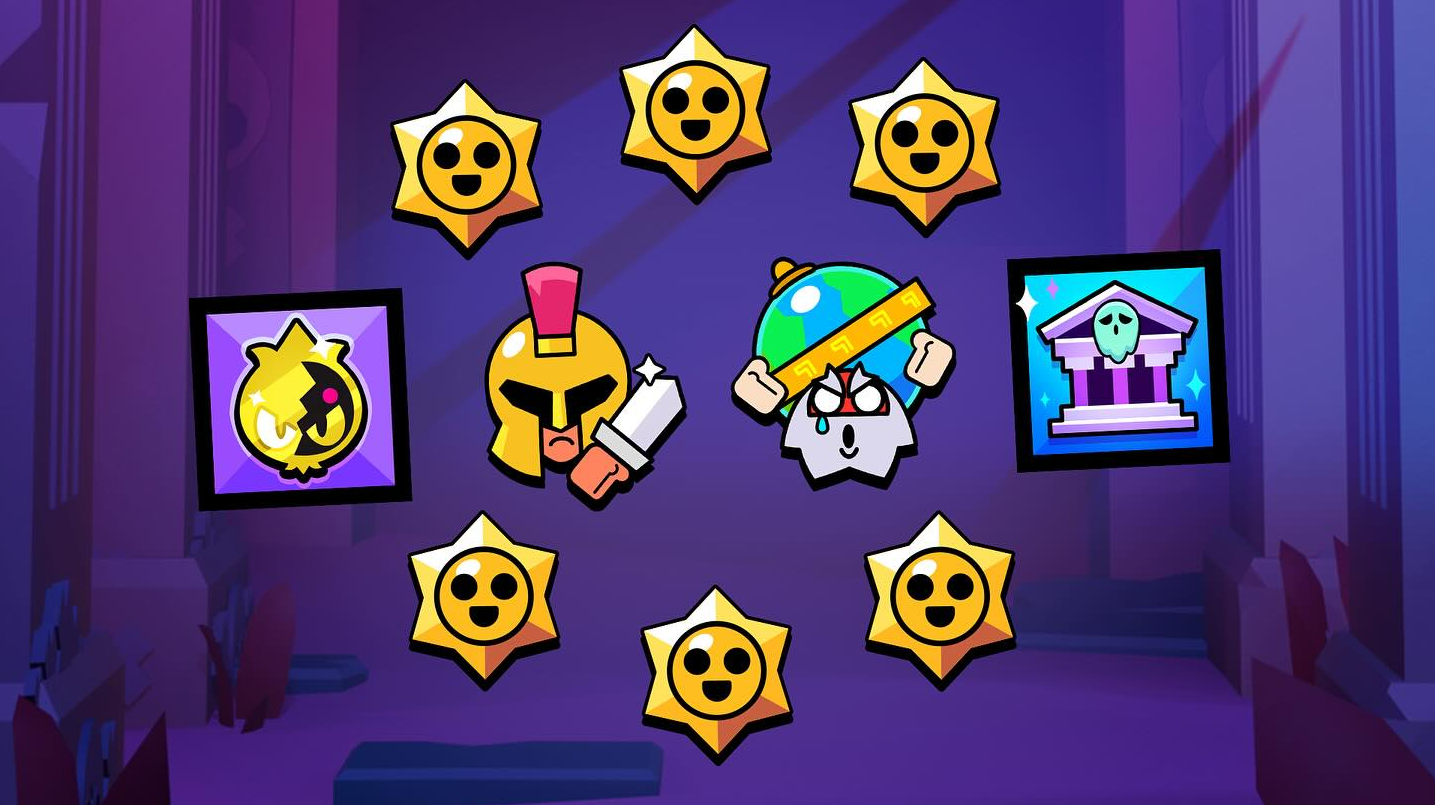
Pins are collectible emotes in Brawl Stars. They can be used in battles and chat to communicate with your teammates or taunt opponents, letting you express emotions like happiness, sadness, or a well-timed “GG” with just a tap.
Types and Rarities
Pins come in four rarity levels:
- Common Pins: Basic emotions like Happy, Sad, and Angry.
- Rare Pins: Help with strategy and sportsmanship, including “Good Game” and “Thanks.”
- Epic Pins: Special emotes with unique expressions.
- Collector’s Pins: Exclusive rewards from the Brawl Pass or special time-limited events.
When you unlock a new Brawler, you automatically get their basic “Happy” pin. You can unlock more through Brawler Mastery or by purchasing specific Skins that come with a dedicated pin set.
How to Get Pins
Brawl Pass: The primary source for guaranteed pins. The premium track offers exclusive Collector’s Pins that often cannot be obtained elsewhere once the season ends.
Starr Drops: These have replaced the old Pin Packs. By winning matches and completing daily goals, you earn Starr Drops, which have a chance to contain random Pins of various rarities.
The Catalog (Bling): You can now browse almost every pin in the game via the Catalog. Most are available for Bling (earned through Power League and Trophy Resets) or Gems.
Special Events and Challenges: Keep an eye on the “Events” tab. High-skill challenges often reward winners with exclusive “Challenge Pins” that serve as status symbols.
Esports Rewards: By linking your Supercell ID and interacting with the Brawl Stars Championship site during monthly finals, you can earn exclusive “Global” pins.
How to Use Pins in Battle
During a match, you can use a pin by tapping the chat on the screen. Select the pin you want, and it will be visible to all other players for a short time.
You can equip a total of five pins to use per Brawler:
3 Brawler-Specific Pins: These are unique to the selected character.
2 Player Pins: These are shared across all your brawlers and can be set to any non-Brawler pin you like.
10-Second Rule and Muting
After using a pin, there is a 10-second cool-down before you can use another one. If you find another player’s pins annoying, you can simply mute them by pressing the “Pin” button and selecting the mute option. This will disable their pins for the rest of the match. You can also change the location of the pin button on your screen by going to Settings and selecting Edit Controls.
How to Change Your Pins
- Launch Brawl Stars and, on the main menu, tap the Brawler button (the icon in the bottom-left corner).
- Select the specific Brawler whose pin loadout you want to customize.
- Tap the Pin box (the speech bubble icon) at the bottom left corner of the screen.
- A new menu will open, displaying the Brawler’s current loadout and all the pins you own for them. You can drag and drop your chosen pins into the available slots.
- Your changes are saved automatically when you leave the menu. Remember, you can only equip pins that you already own.
With this guide, you’ll be a pin expert in no time. Pins are an excellent way to leave your unique mark on the Brawl Stars arena and master battle emotes.