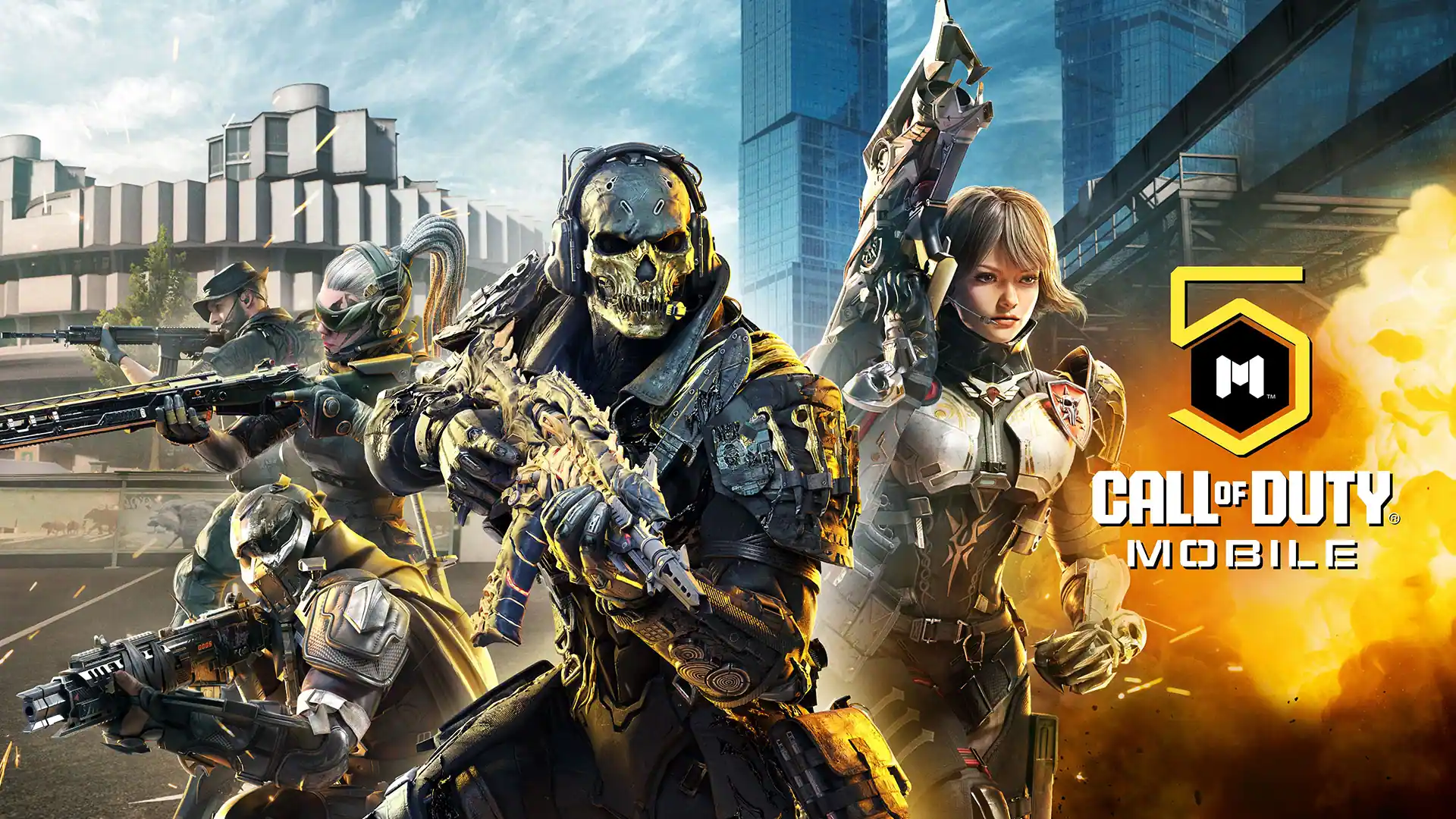

Call of Duty: Mobile does not have a standalone native PC client. If you want to play COD Mobile on a computer, you need to run the Android version through an emulator. GameLoop is the officially backed option, making it the recommended choice for playing Call of Duty download PC.
Key Takeaways
- There is no native PC version of COD Mobile: The PC experience runs through an Android emulator rather than a dedicated Windows client.
- GameLoop is the officially backed emulator: GameLoop is Tencent’s own Android emulator, while TiMi Studio Group, another Tencent studio, developed COD Mobile.
- Emulator players are matched separately: COD Mobile places emulator users in matches with other emulator players rather than mixing them into standard mobile lobbies.
- PC requirements are modest: You do not need a high-end gaming PC to run COD Mobile through an emulator, although having additional RAM and a dedicated GPU can improve performance.
Why Use an Emulator (and Which One)
Since COD Mobile has no native PC client, you need an Android emulator to play it on Windows. GameLoop is the recommended default because it is Tencent’s officially backed emulator for COD Mobile and comes with controls and settings configured specifically for the game.
GameLoop
GameLoop is the best starting point for COD Mobile on PC. It is backed by Tencent, the company behind COD Mobile’s publishing ecosystem, and offers a dedicated COD Mobile setup with pre-configured keyboard and mouse controls. That means less manual configuration and a more straightforward setup than using a general-purpose Android emulator.
BlueStacks
BlueStacks is a popular alternative if you already use it for other Android games. It provides customizable keyboard controls, performance settings, and multiple emulator features, but it does not have the same official COD Mobile backing as GameLoop.
LDPlayer
LDPlayer is another option focused on Android gaming, with customizable controls and performance settings. It can work for users who prefer its interface or performance options, but GameLoop remains the recommended choice for COD Mobile because of its official backing and game-specific configuration.
System Requirements
The exact requirements for running COD Mobile on PC can vary depending on the version, Windows configuration, and emulator settings. Use the figures below as a baseline:
| Component | Minimum | Recommended |
| OS | Windows 8.1 64-bit or Windows 10 64-bit | Windows 8.1 64-bit or Windows 10 64-bit |
| GPU | NVIDIA GTX 660 | NVIDIA GTX 1050 |
| CPU | Intel Core i3-9320 | Intel Core i3-9320 |
| RAM | 8 GB | 16 GB |
| Storage | 20 MB available space | 20 MB available space |
How to Install and Set Up
You can play Call of Duty Mobile download PC by installing GameLoop through its Game Centre.
Step 1: Download and Install GameLoop
Get GameLoop from its official website and run the installer.
Step 2: Open Game Centre
Launch GameLoop and open the Game Centre from the emulator’s main interface.
Step 3: Find Call of Duty Mobile
Search for Call of Duty: Mobile, select the game from the results, and click Install.
Step 4: Let the Game Finish Installing
GameLoop will download and install the required game files.
Step 5: Sign In
Launch Call of Duty Mobile and sign in with your preferred supported account, such as Google, if available.
Step 6: Check Virtualization if Performance Is Poor
If the emulator runs slowly or performs poorly, check whether CPU virtualisation (Intel VT-x or AMD-V) is enabled in your PC’s BIOS/UEFI settings.
Once installation is complete, you can launch Call of Duty Mobile from GameLoop and configure your graphics, controls, and performance settings.
Does Playing on Emulator Get You Banned?
No, playing Call of Duty: Mobile through an emulator does not automatically get you banned. Activision’s matchmaking system separates emulator players from mobile-only players, allowing emulator users to play within the designated emulator matchmaking pool.
That is different from using third-party hacks, cheats, modified clients, or other unauthorized software. Those tools can violate the game’s rules and may result in account penalties or bans.
Frequently Asked Questions
Can you use a mouse and keyboard instead of a controller on an emulator?
Yes. GameLoop supports keyboard and mouse controls, so you can play COD Mobile on PC without a controller.
Is there a COD Mobile PC beta in testing?
Yes, Call of Duty: Mobile does have a standalone PC version in early access/beta testing in China via codm.q.com. However, this PC version is currently limited to the China region, so players elsewhere still need an Android emulator such as GameLoop to play COD Mobile on PC.
Do emulator players get matched with console players?
No. COD Mobile emulator players are not simply placed into console lobbies.
GameLoop is the best starting point for playing Call of Duty Mobile on PC. It is the officially backed emulator, includes COD Mobile-specific controls, and provides a straightforward way to install and play the game on Windows. Keep both GameLoop and COD Mobile updated to the latest versions to reduce the risk of compatibility or version-mismatch issues.